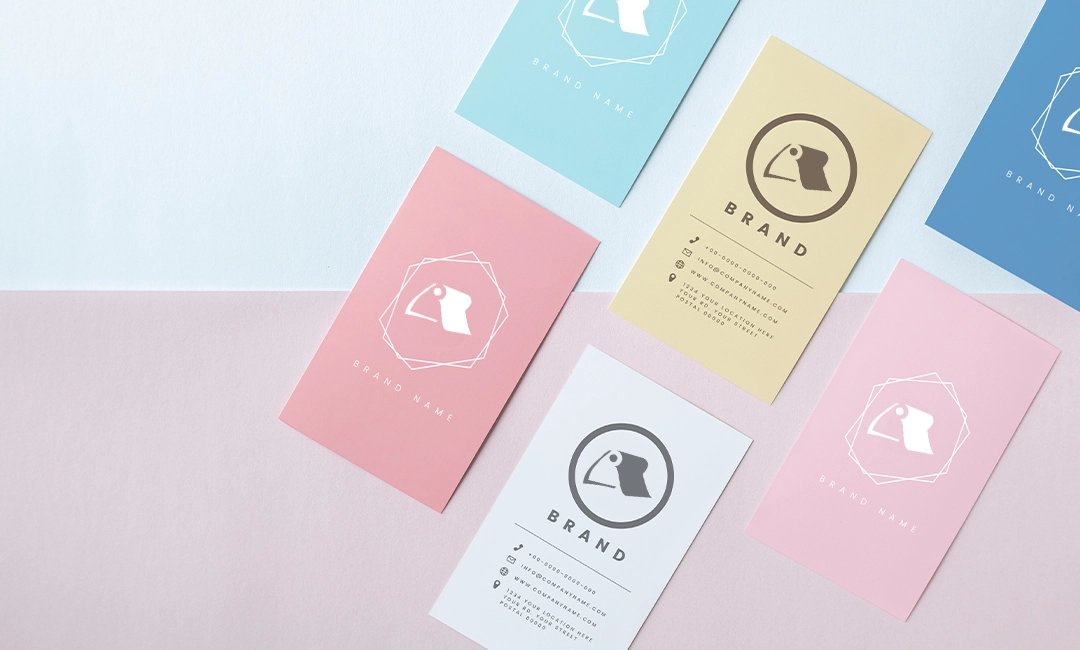
Preparing Print Files with Bleed and Margins in Canva
Summary: Bleed ensures no white space appears when designs are printed and trimmed. Margins prevent crucial content from being too close to the edge where they can be cut off during printing. Use the Little Rock Printing™ Canva template that matches the product you...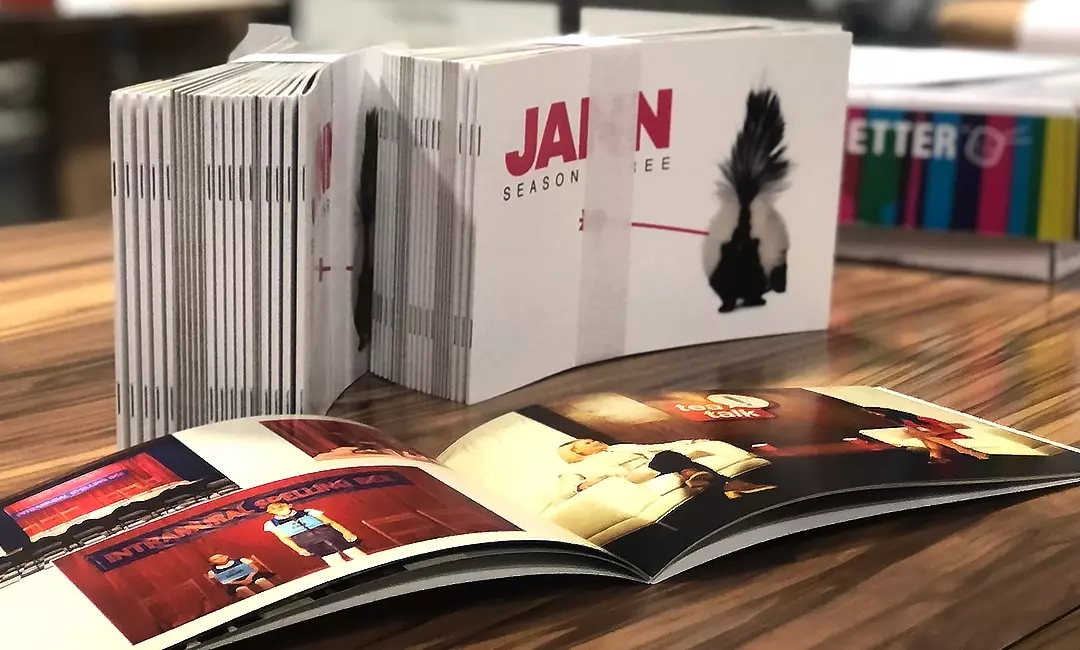
How to Design & Print Custom Booklets Using Canva
Summary: High-quality booklets make excellent product catalogues, presentations, and promotional materials at conferences or trade-shows. Canva contains many different free and paid booklet templates that you can explore after signing up for an account. Once you’ve...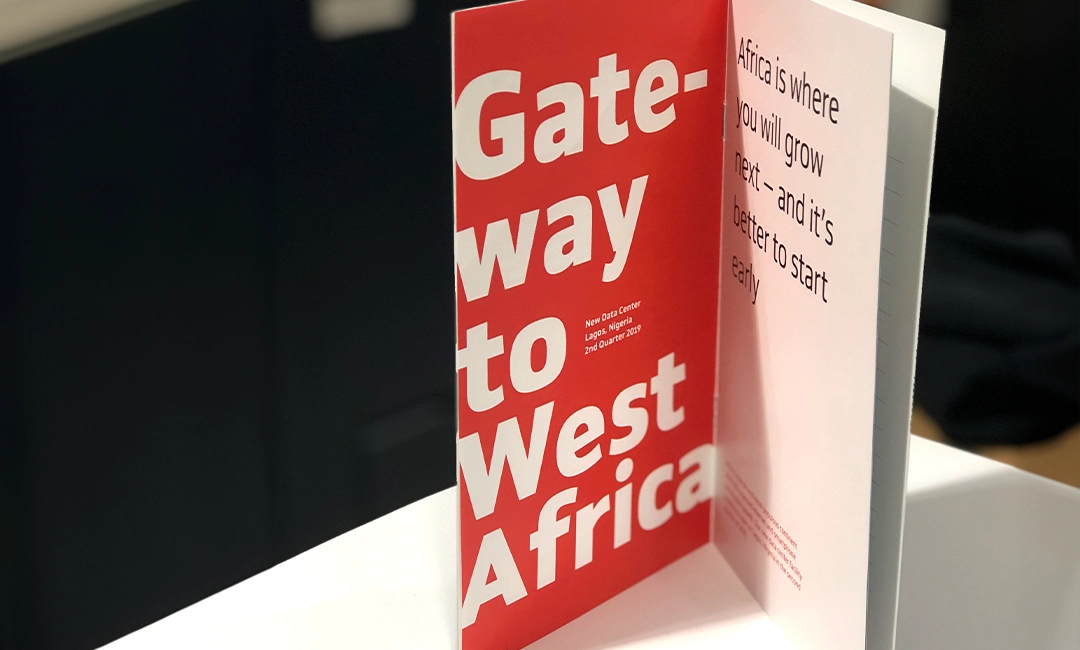
How to Design & Print Brochures for Your Business in Canva
Summary: Brochures are essential print marketing materials for businesses (as well as non-profits and other organizations). Well-designed brochures can significantly boost awareness of your brand and help promote your products or services. Little Rock Printing™’s free...
How to Make Beautiful Banner Stands in Canva
Summary: Banner stands are a versatile marketing tool, especially for trade shows and exhibitions. With Canva, you can easily design banner stands using their simple features and our free templates. Banner stand sizes depend on the intended location. Smaller sizes are...